1. Onboarding #onboarding
From sign-up to your first ranked match.
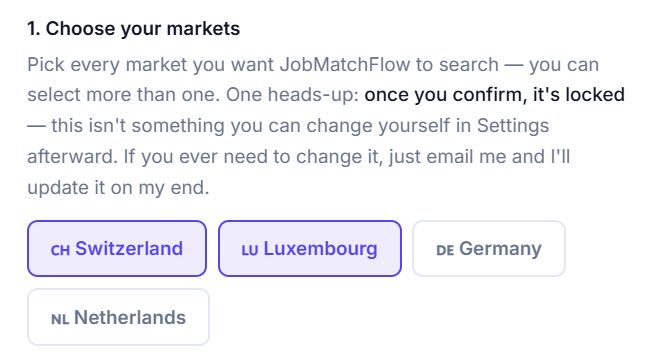
Choose your markets
Pick every market you want JobMatchFlow to search — you can select more than one. One heads-up: once you confirm, it's locked — this isn't something you can change yourself in Settings afterward. If you ever need to change it, just email us and we'll update it on our end.
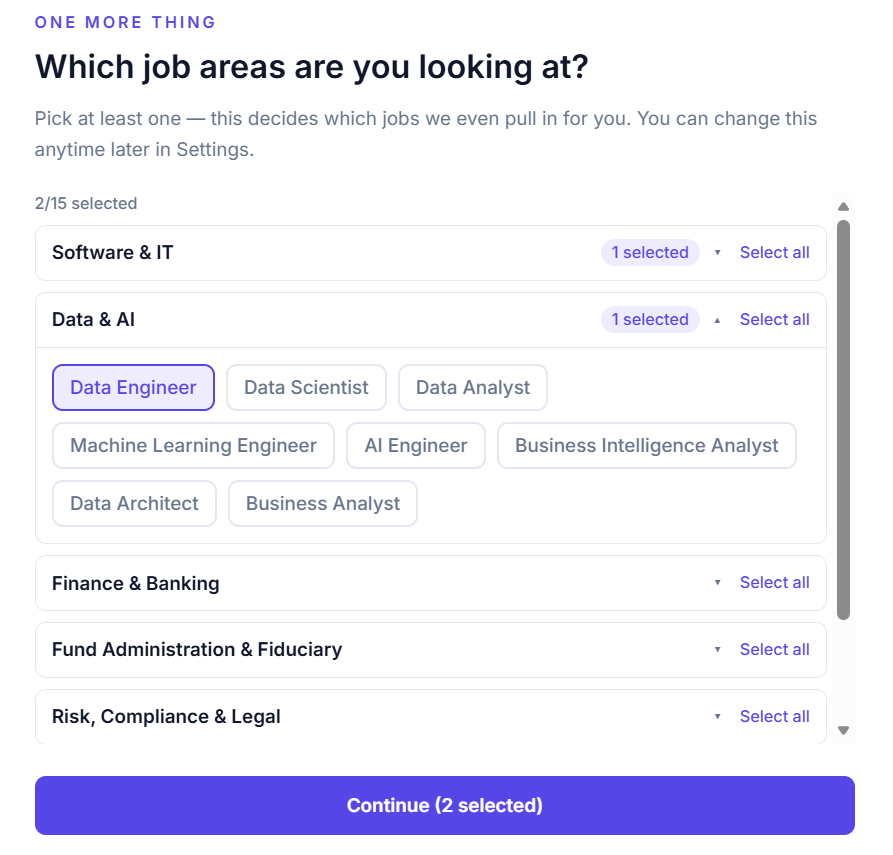
Choose your target job titles
Pick at least one — this decides which jobs we even pull in for you. You can change this anytime later in Settings.
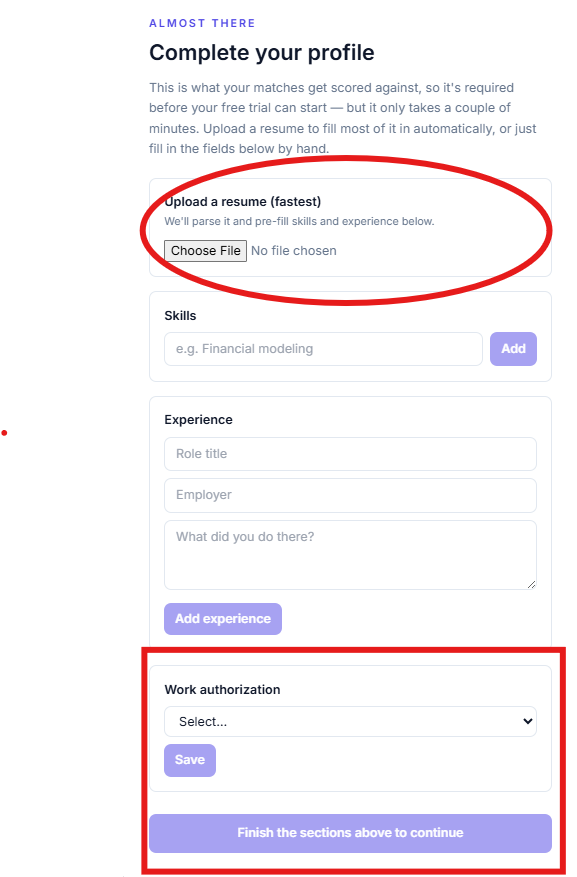
Add your experience
Upload a résumé to fill most of it in automatically, or fill in the fields by hand — it doesn't need to be perfect, and you don't need to fill in every experience to get started.
You can always come back and edit your experience later — but editing it does not re-score jobs you've already been matched against. Your current matches (the most recent 15 days) were scored against your profile as it was at the time. Once you change anything, only new jobs going forward will be matched using your updated experience and settings.
We promise your personal information is never disclosed and never used for analytics or marketing. If you delete your account, everything tied to it is deleted immediately.
Edit your experience anytime
Your material — job type, work authorization, and background — lives in one place, and it feeds every résumé, cover letter, and match score going forward.
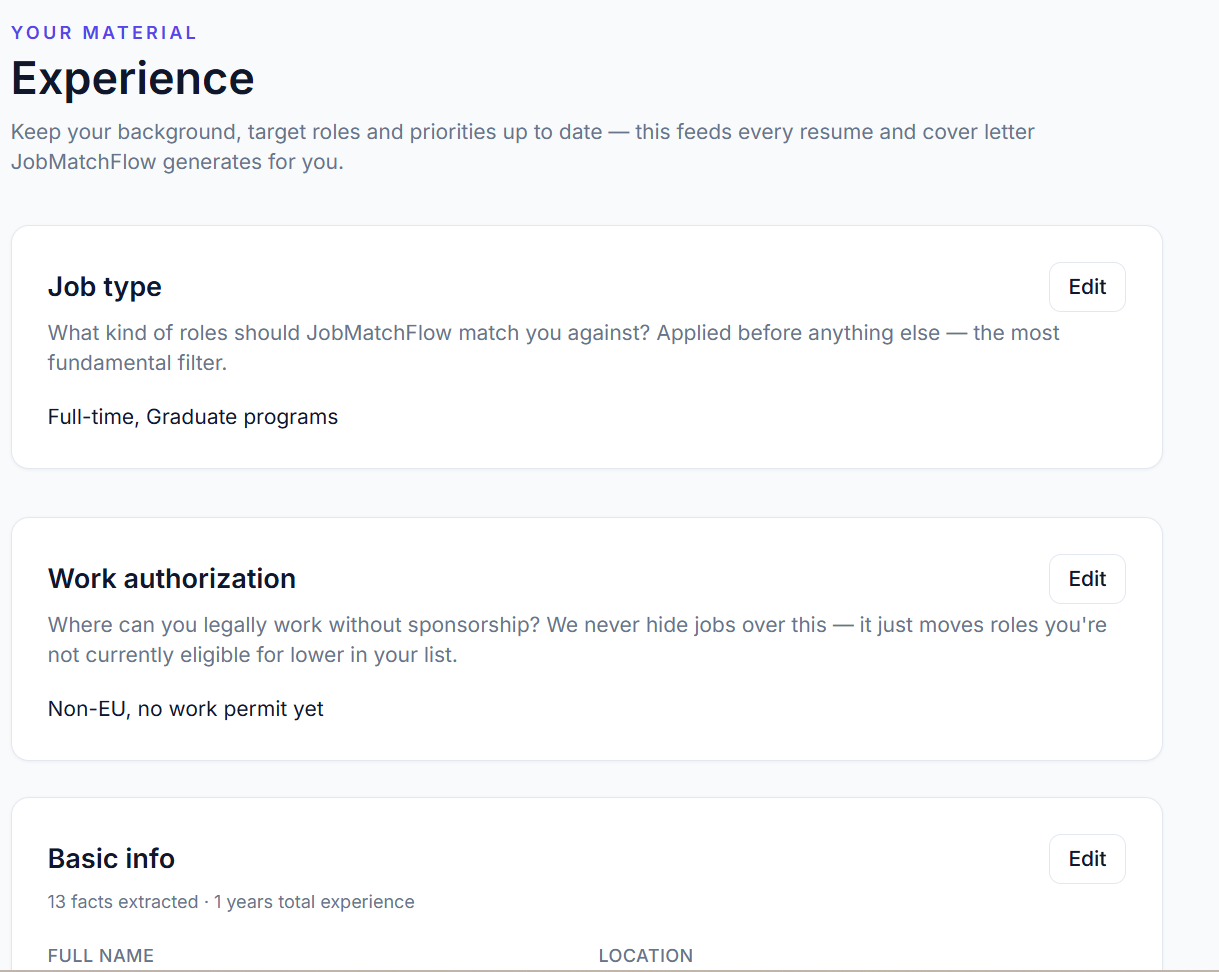
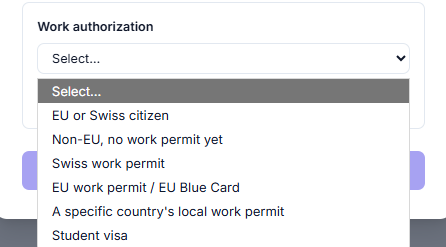
Set your work authorization
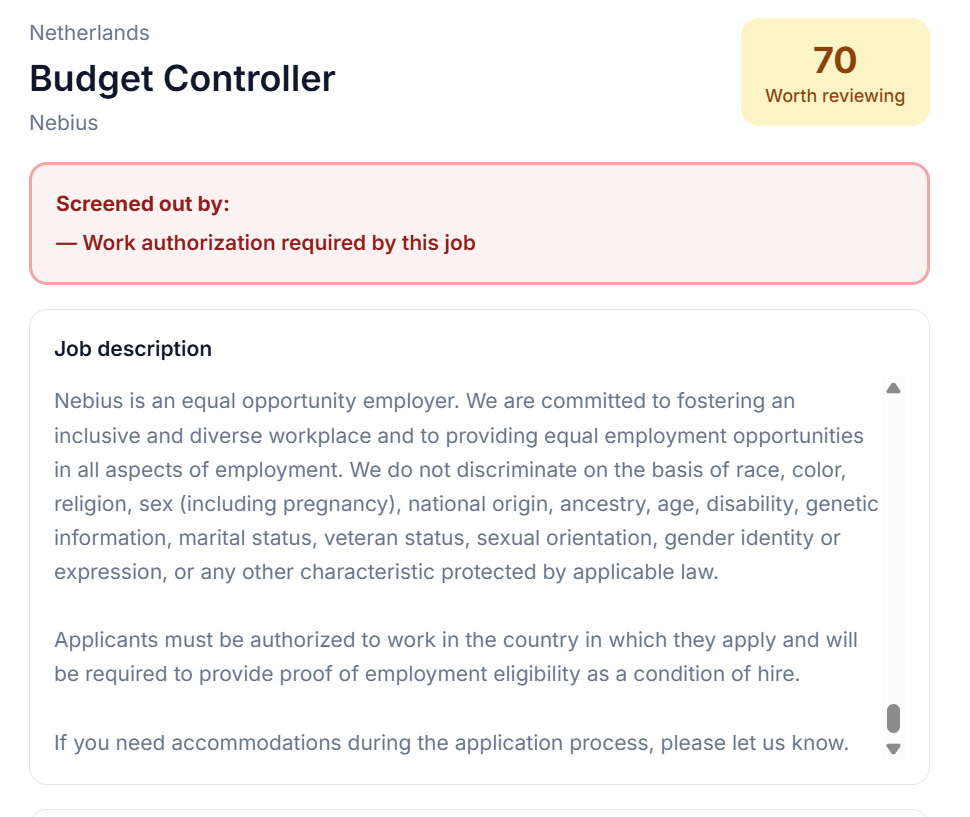
Please fill this in honestly. It's only used as a label to help you prioritize — you will never miss a job because of your visa or work-authorization status. We never hide jobs over this; it just moves roles you're not currently eligible for lower in your list.
You're ready
Your first batch of scored matches is waiting for you — organized, ranked, and ready to review.
Matching starts as soon as your settings save successfully — jobs show up gradually, so refresh to see more. There's no notification for this, since new jobs can appear at any time.
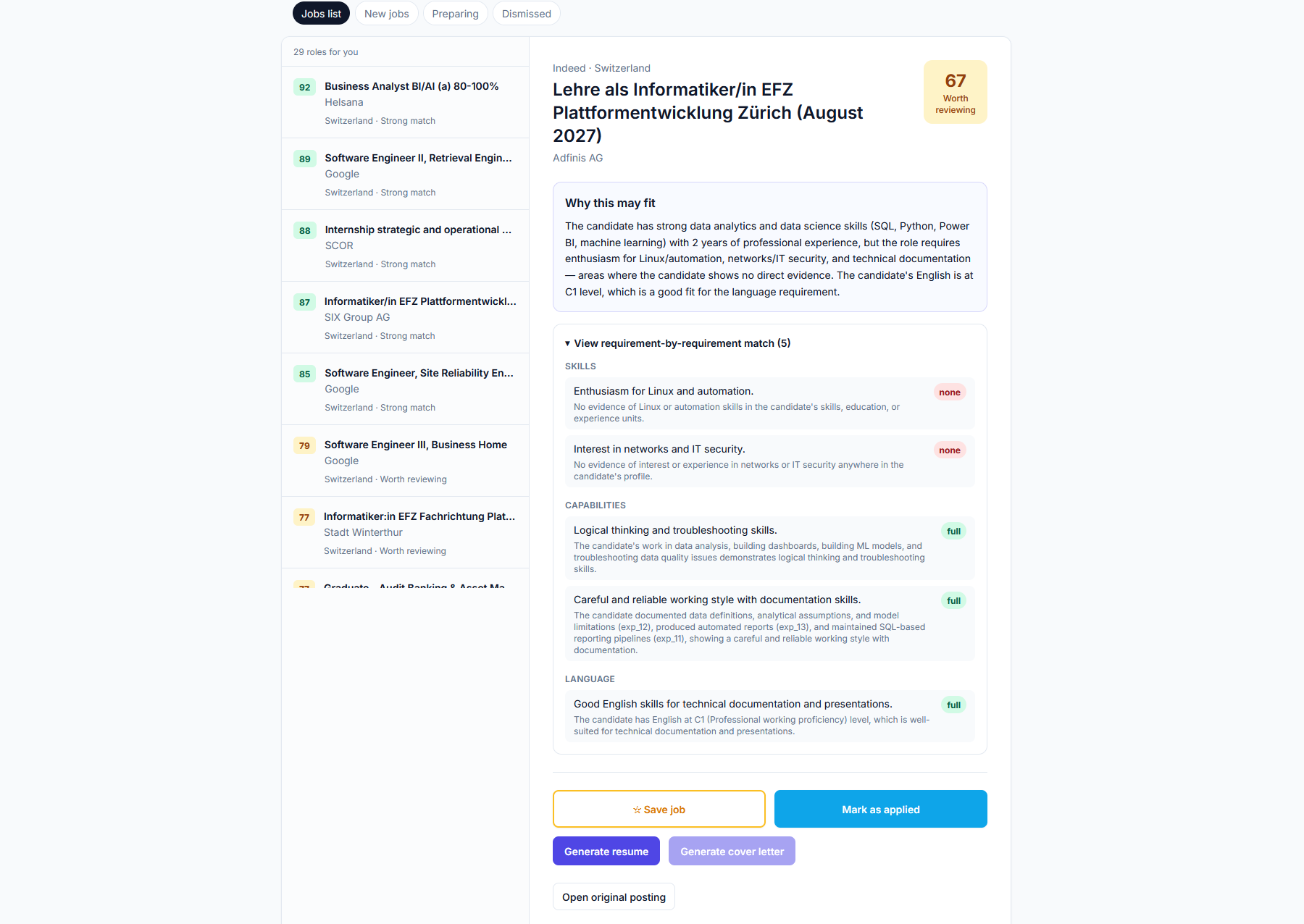
2. Matching & Display Logic #matching-logic
How jobs get found, how they get scored, and how you work with the list day to day.
Your job list
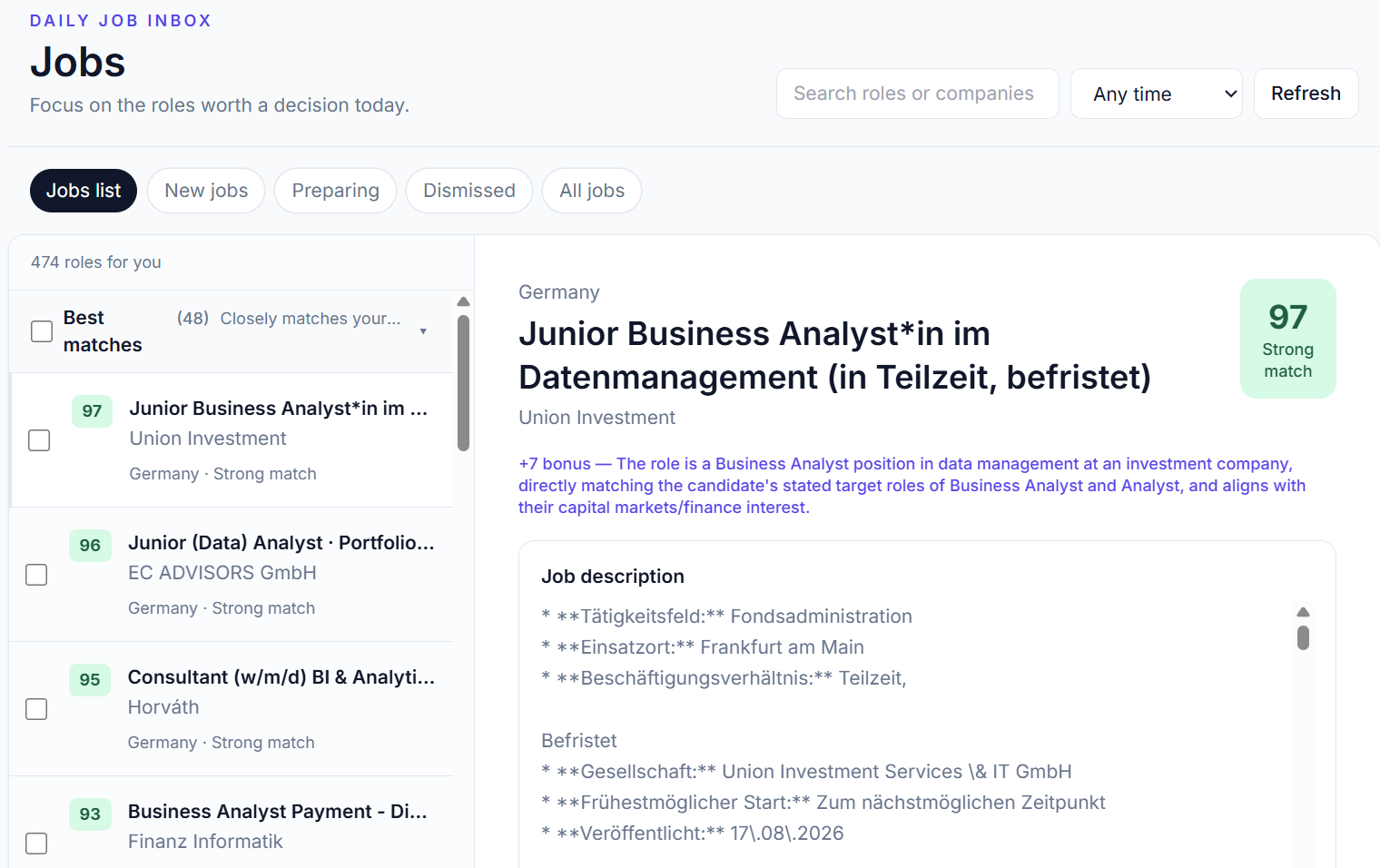
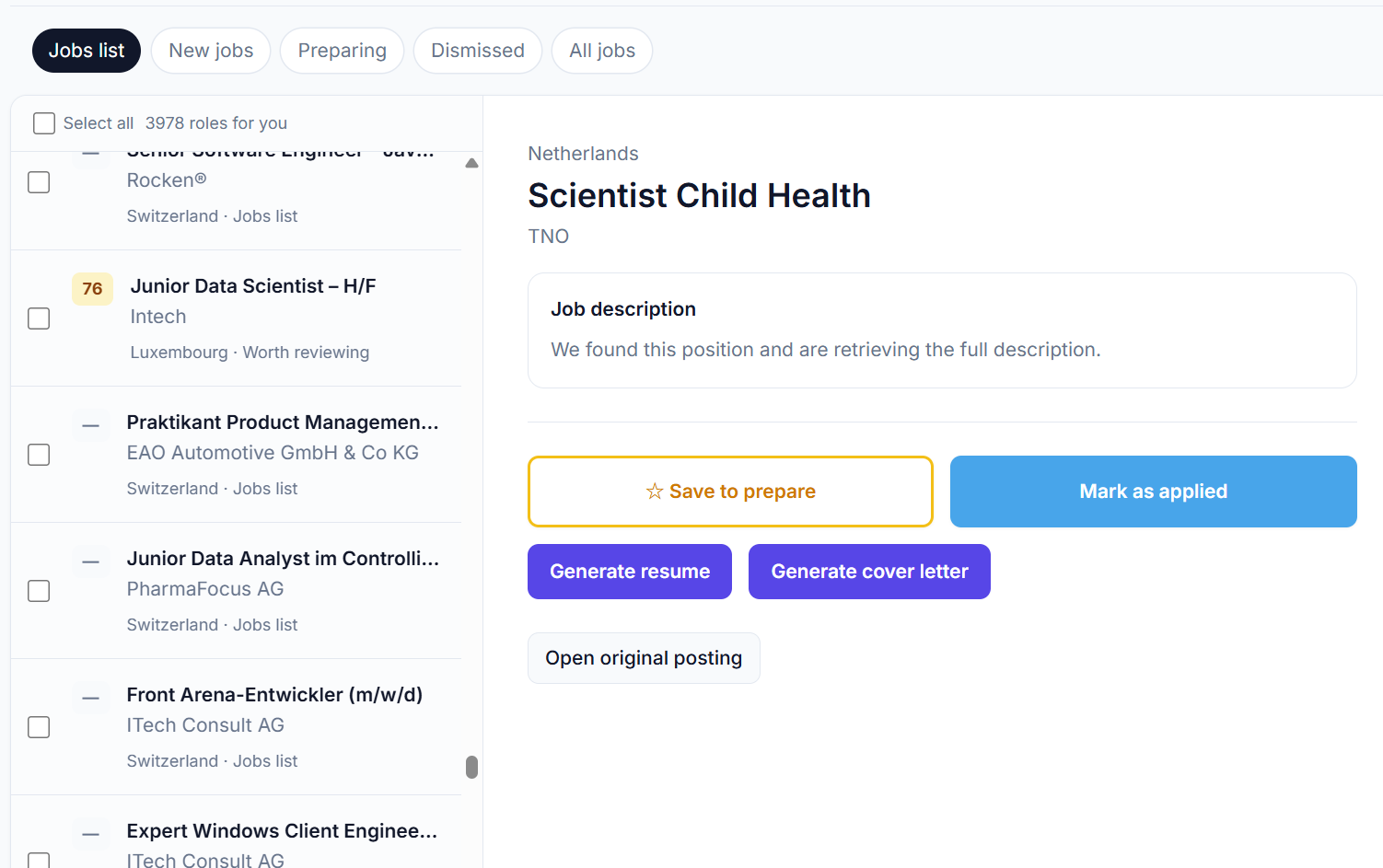
Five tabs split the same underlying list by time and by what you've done with each job.
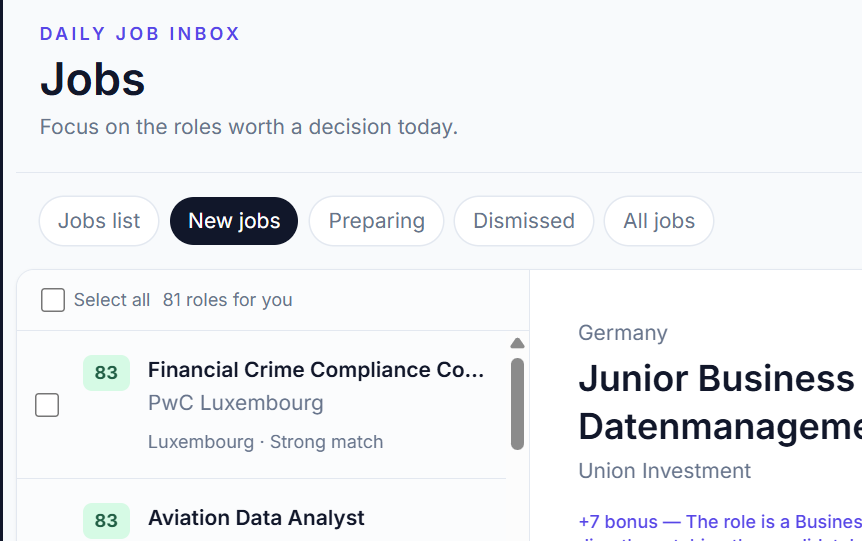
New jobs — everything discovered in the last 24 hours.
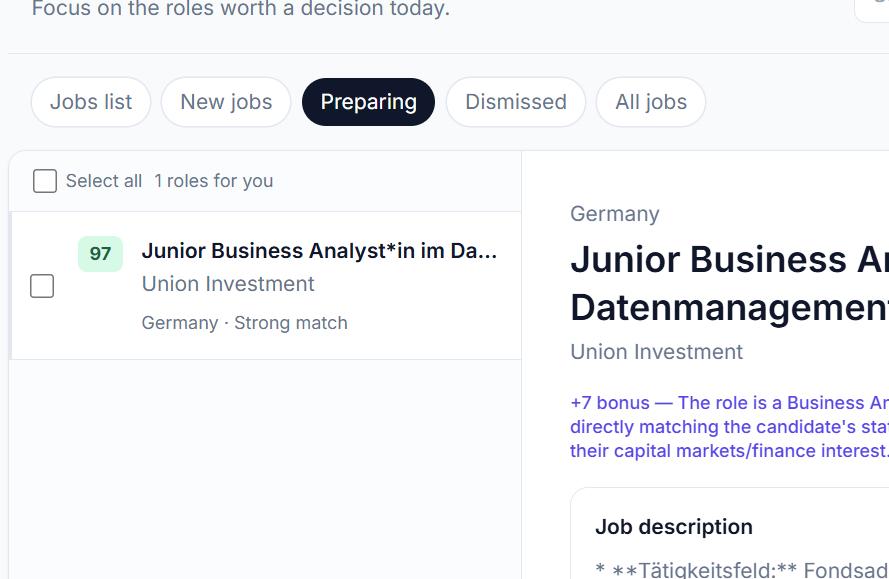
Preparing — jobs you've saved, or generated a résumé for.
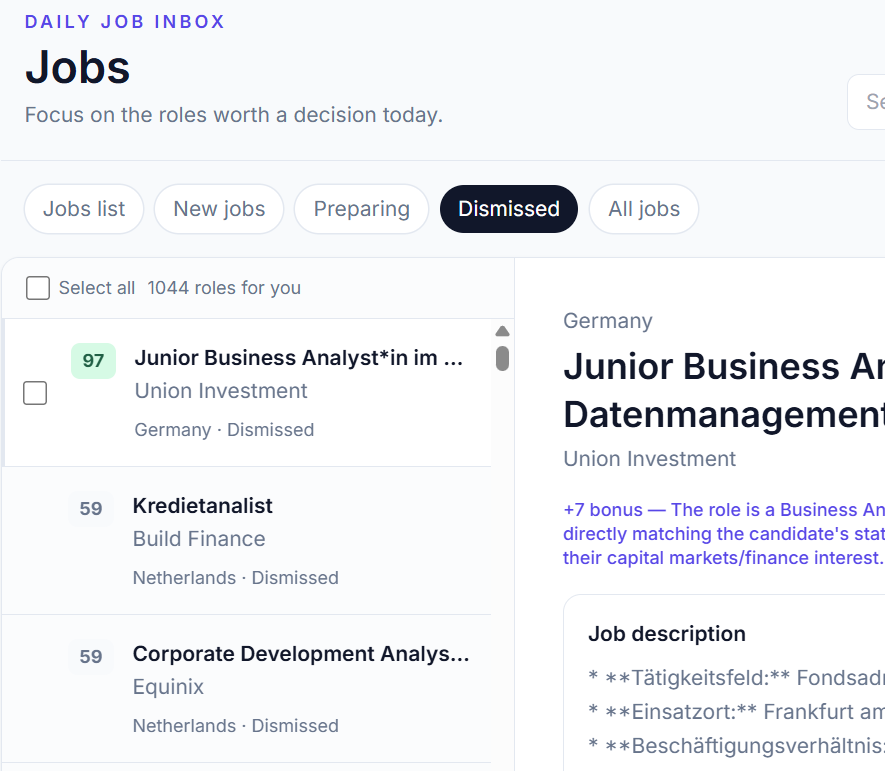
Dismissed — scored below 60, or jobs you chose to hide.
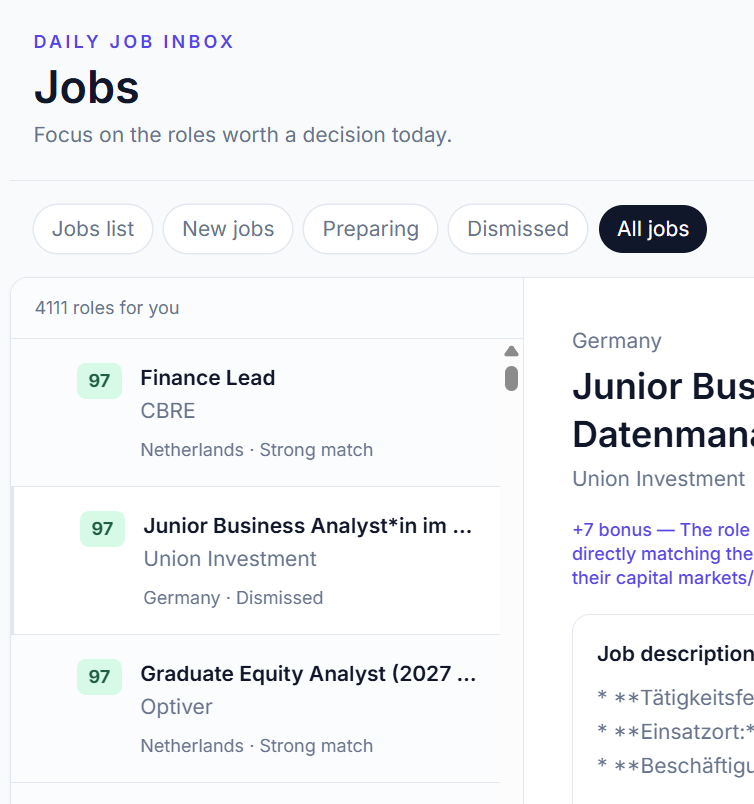
All jobs — every job in our database matching your job titles over the last 15 days, regardless of score.
Jobs list, the default tab, holds everything matched for you within the most recent 15 days.
Score groups
Within your job list, matches are split into three groups:
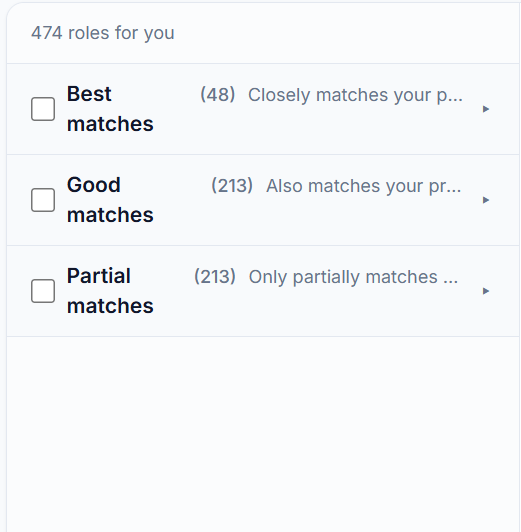
- Best matches — closest to the job-search intent you set.
- Good matches — the AI thinks you're a fit, but it may not be your first-choice intent.
- Partial matches — the posting has a hard requirement, like a language or a visa/work-authorization type, that you don't currently have.
How scoring works
Your settings and experience are compared against the job description item by item. Each item carries its own weight, and the weighted total becomes your score.
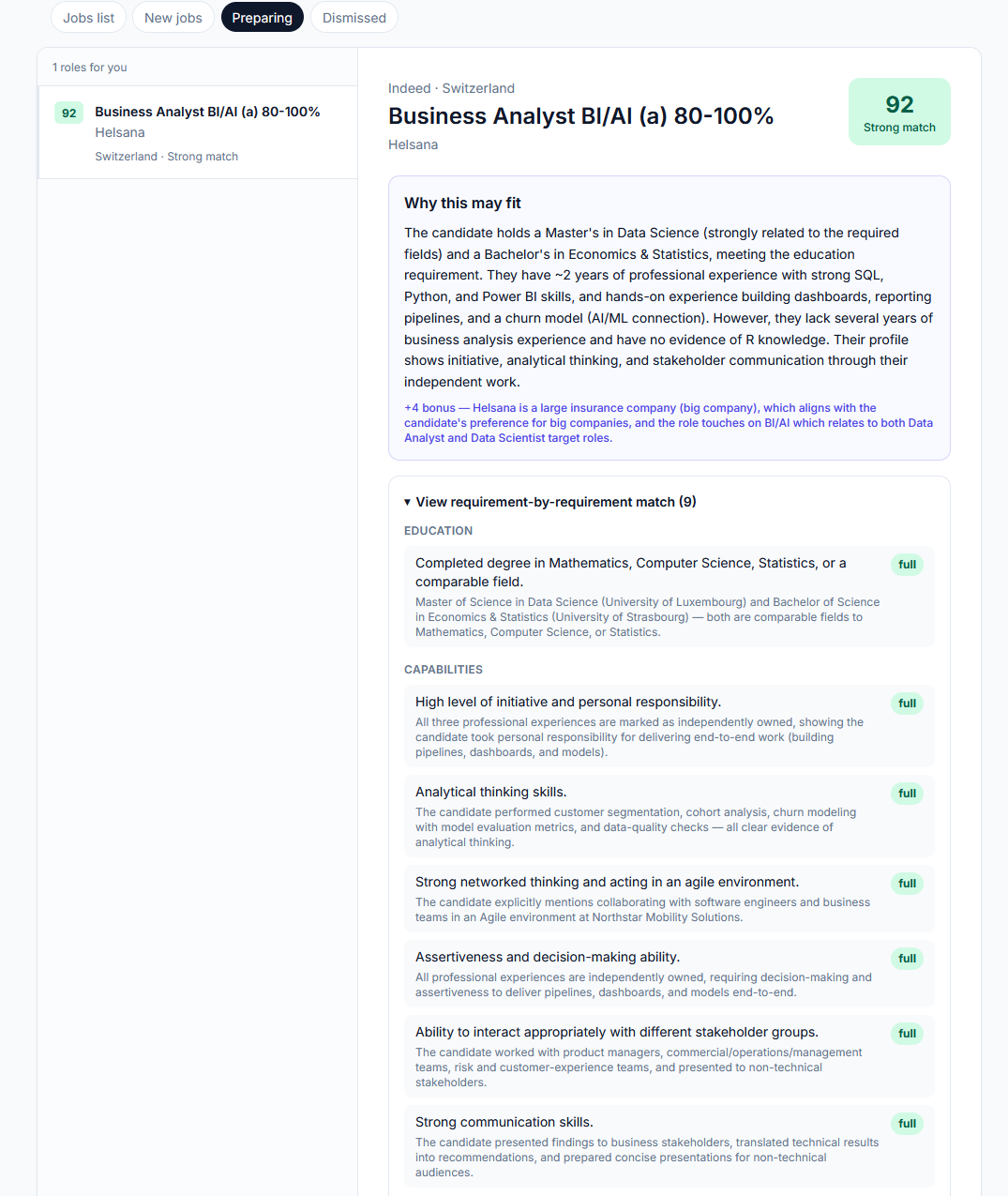
Soft skills are assumed present by default, so you may see jobs that look overqualified for you. Just dismiss those directly — we'd rather show you too much than make you miss a job.
Filter by time
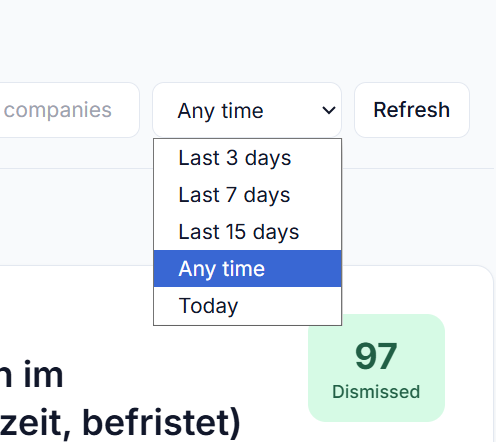
Narrow any tab down to a time window — today, the last 3, 7, or 15 days, or any time.
If you drop to the Free plan, don't worry — none of your data disappears. You just lose the AI assistant that scores and filters for you.
You can still browse and filter every job manually — it becomes a job-aggregation platform that can replace checking other job boards by hand, minus the automatic scoring. Everything else keeps working.
3. Track #track
We want you to track every job on one platform.
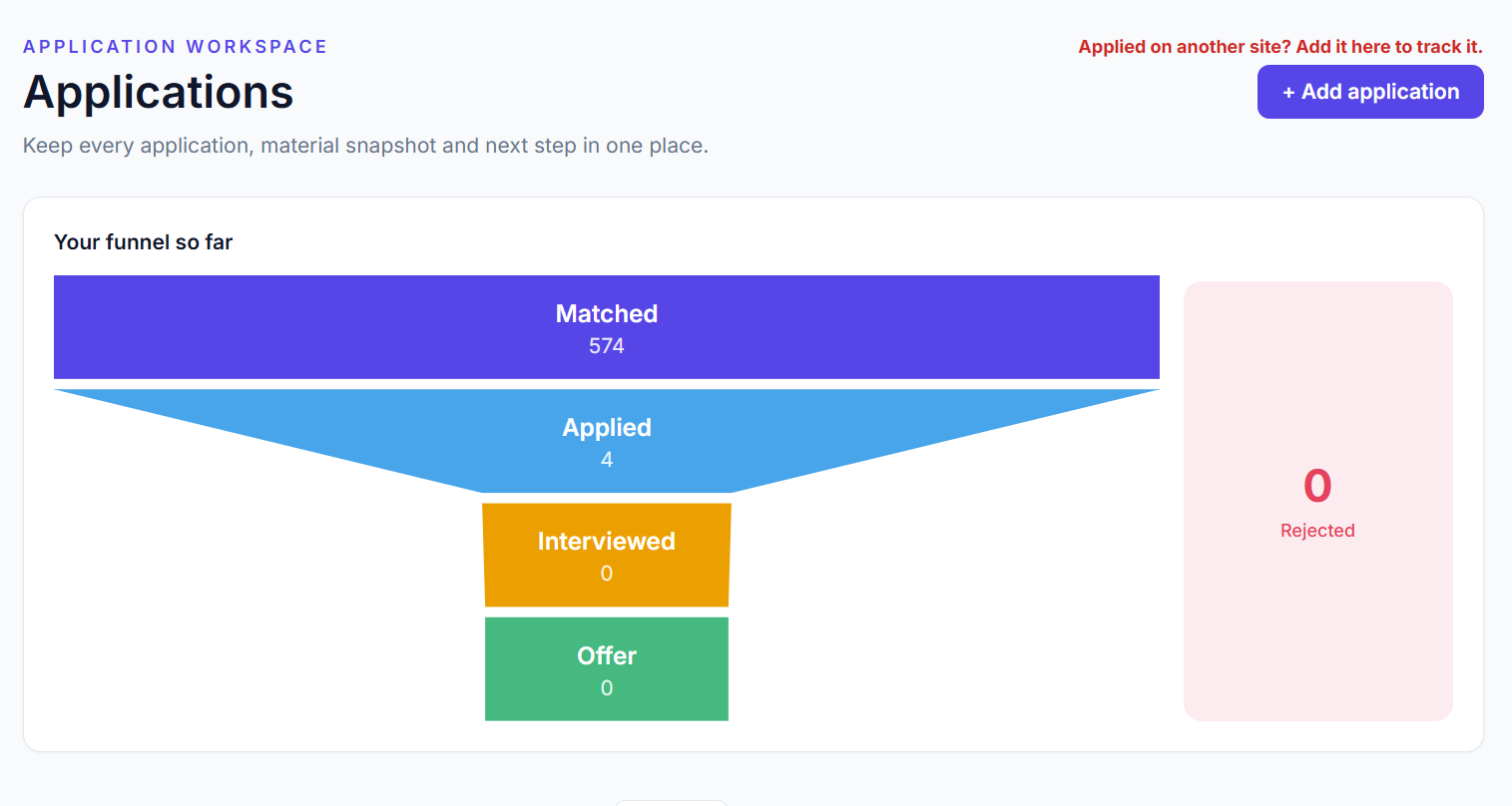
In Settings, you can upload up to two résumés to apply in different directions. You can easily update any application's status — Matched, Applied, Interviewed, Offer, or Rejected — and see it reflected in your funnel right away.
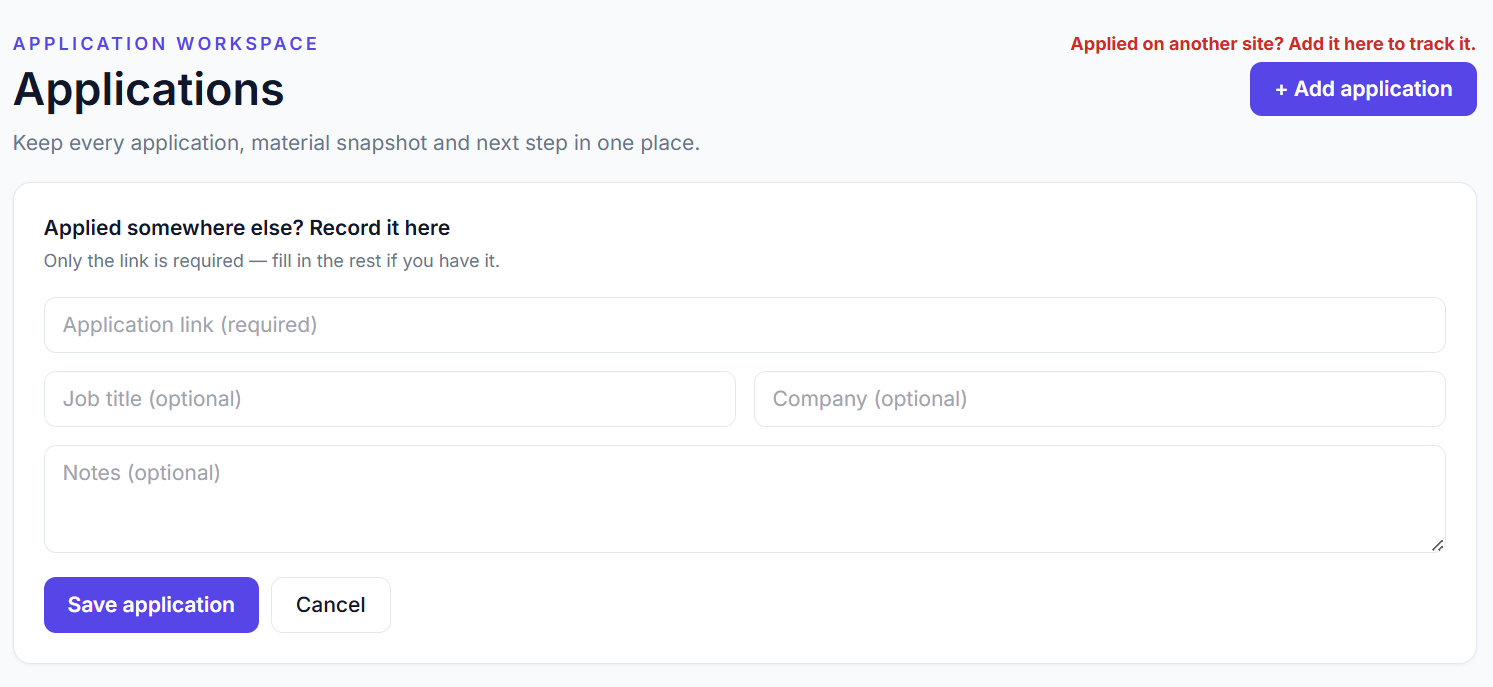
Add from another source
Applied somewhere you found outside JobMatchFlow? Add it here to track it alongside everything else — only the link is required.
4. CV & Cover Letter #cv-cover-letter
Your material — job type, work authorization, and background — feeds every résumé and cover letter JobMatchFlow generates for you.
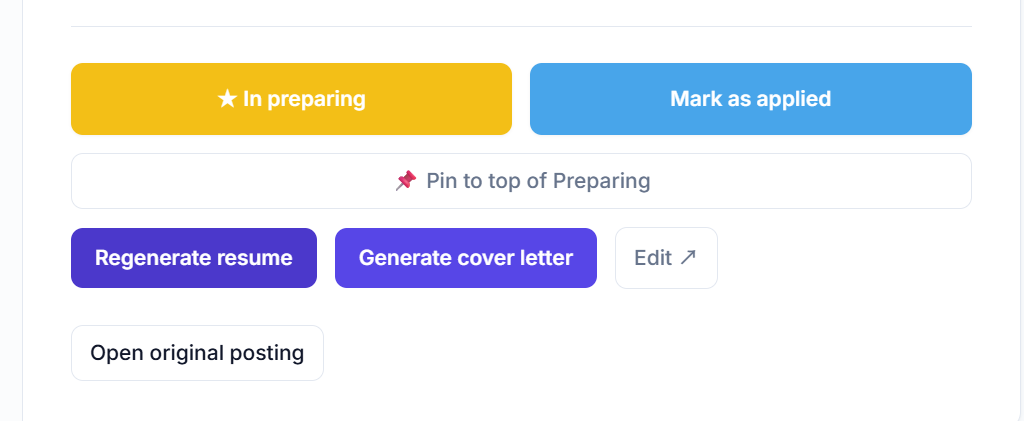
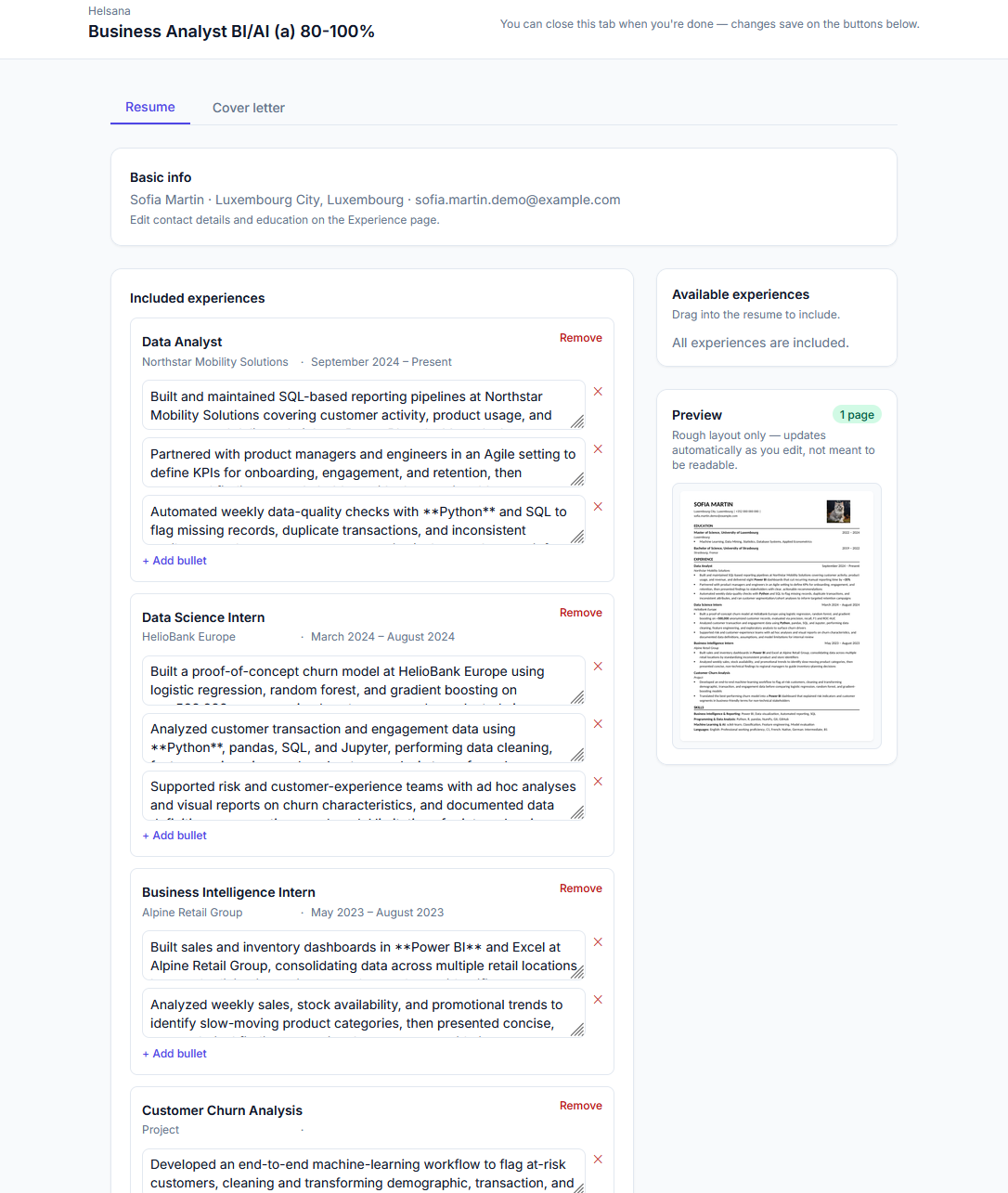
Cover letters are generated the same way, from the same job.
We're building a more advanced mode: writing your résumé bullet points and cover letter through a conversation instead of a single generated draft. It won't come with more templates — just one, as today. This will ship as a beta. If you need it sooner or have specific requests, contact us.
5. Daily Update #daily-update
Today, coverage spans Switzerland and Luxembourg nationwide, plus six cities in Germany and the Netherlands — Frankfurt, Munich, Stuttgart, Amsterdam, Rotterdam, and Utrecht.
- We scan the job boards 6 times a day.
- Every user is re-scored every 3 hours, so your matches stay current with what's been found.
- You get one digest push a day so you don't have to keep checking.
Don't see your job title?
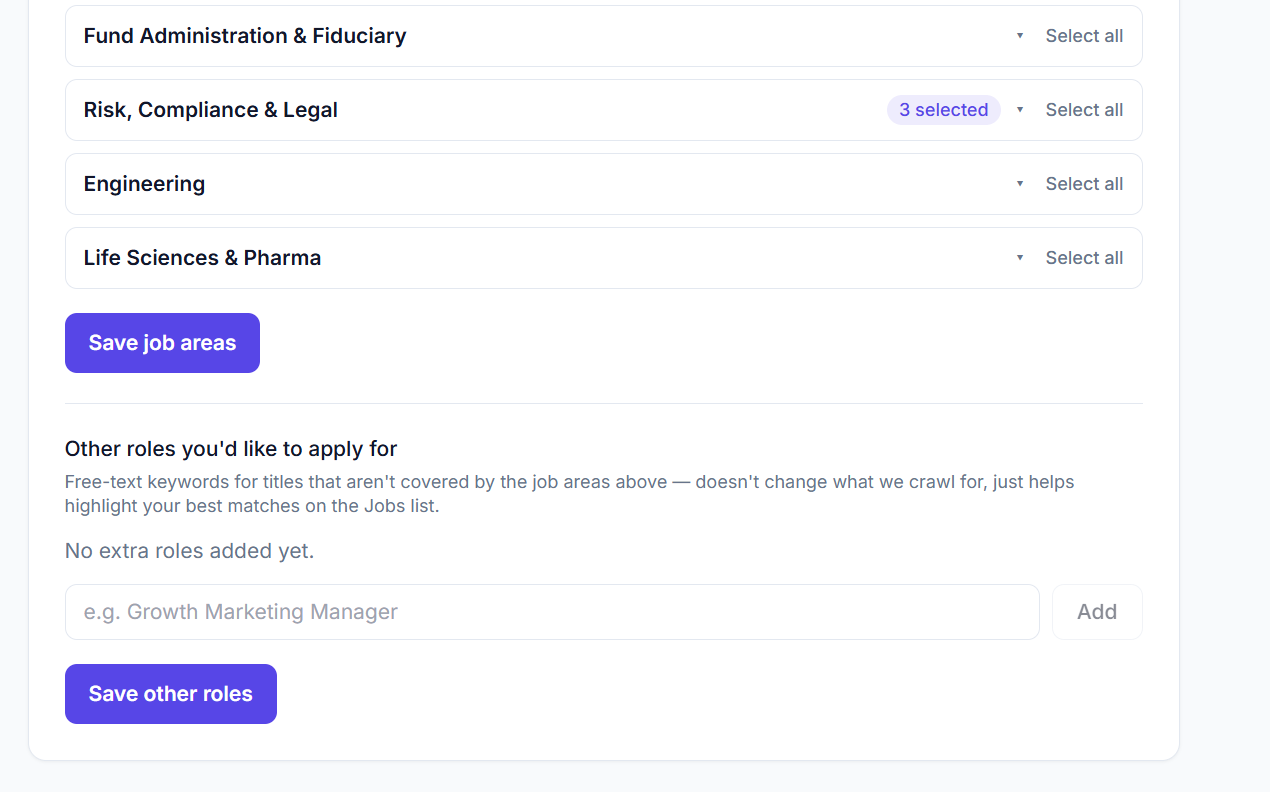
Add it under "Other roles you'd like to apply for." It immediately helps highlight matches in your current list, and we review these by hand — if it's added as a new search target, it's typically live by the next day at the latest.
FAQ #faq
Can't find your answer? Email [email protected].